Screenshots
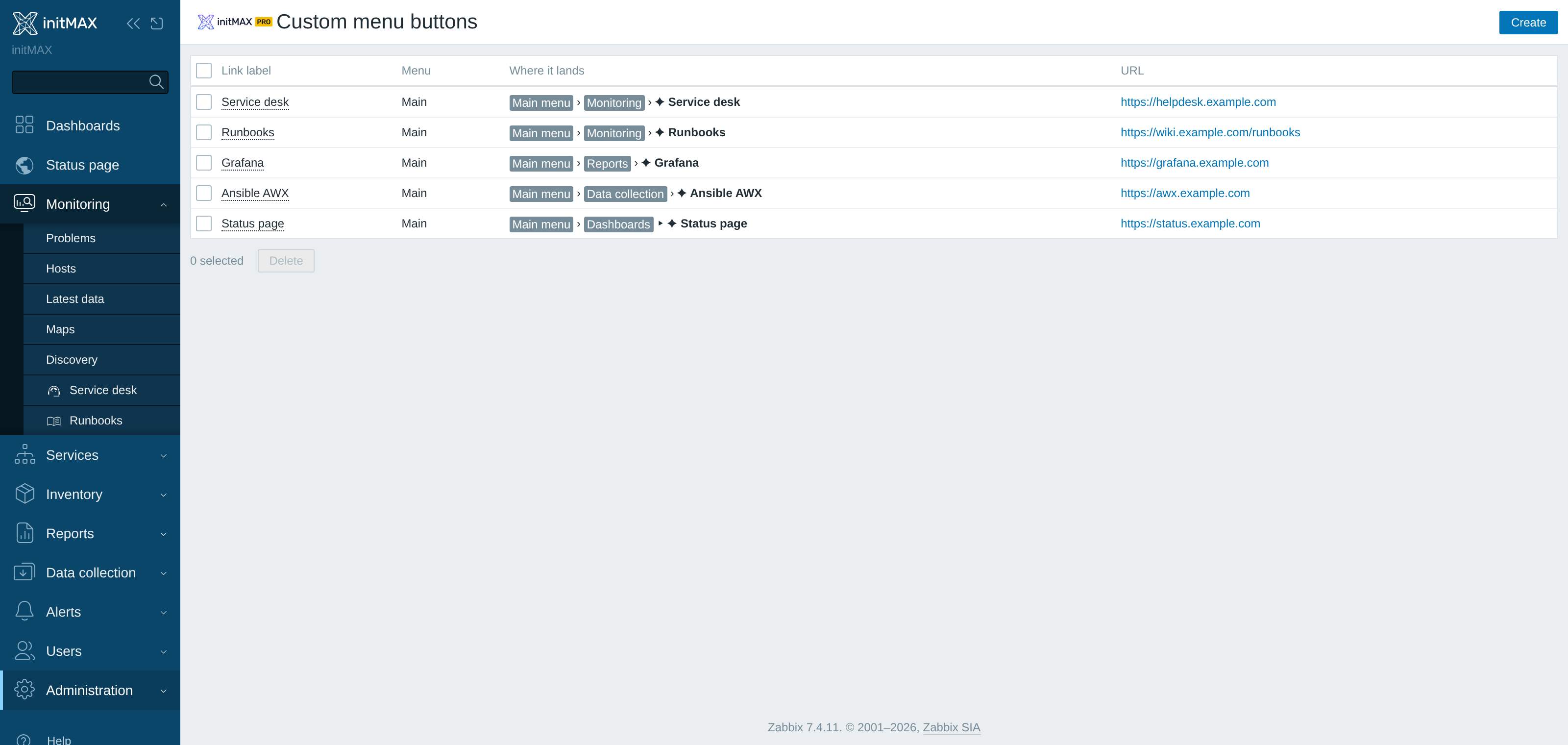
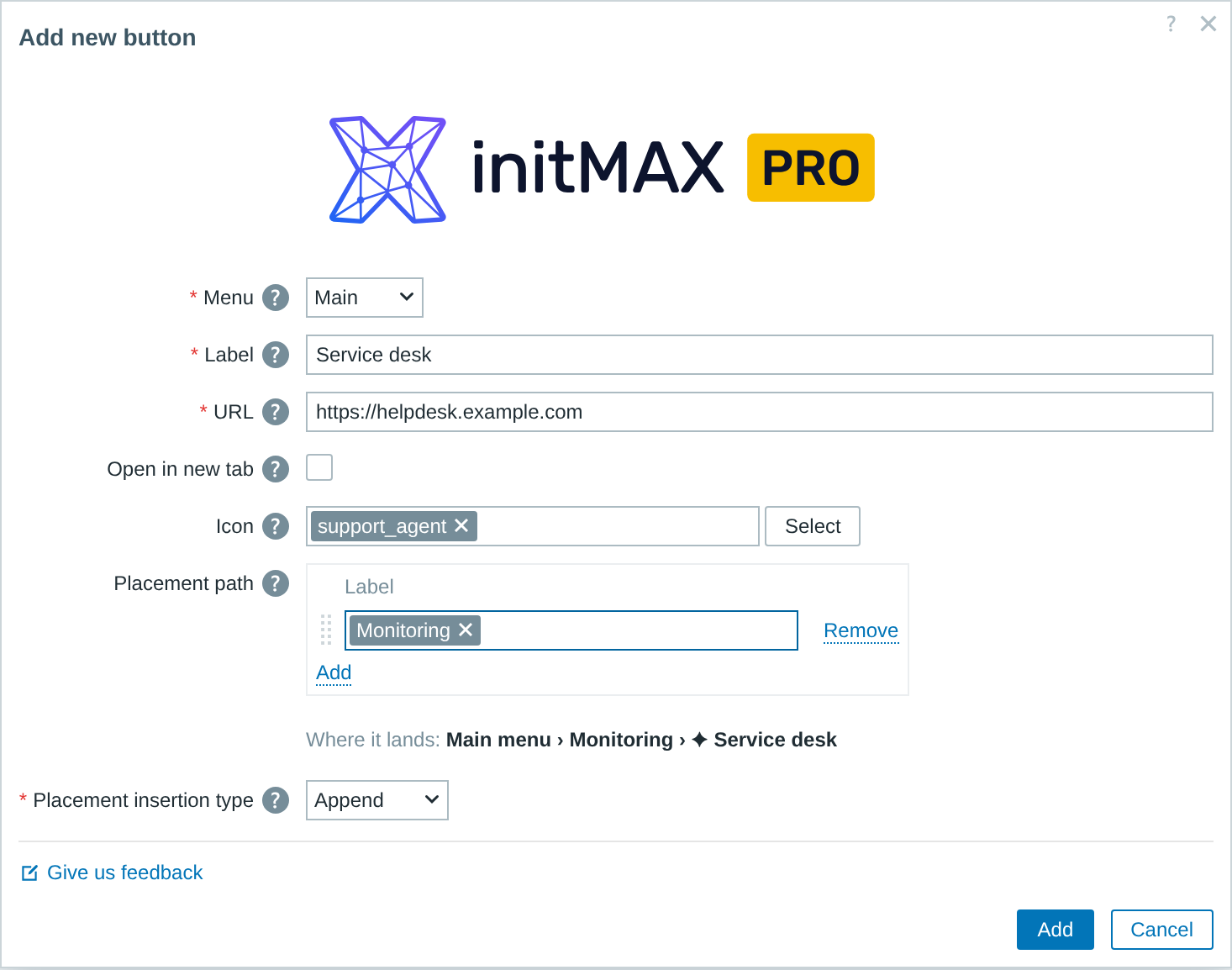
Add custom links to Zabbix navigation menus Adds configurable buttons to the default Zabbix navigation menus (main sidebar and user menu) so user-defined URLs are available from every page. Each button's label, target URL, icon, placement (append or insert before/after any existing item) and whether to open in a new tab can be set from the module management screen. Managed by a Zabbix Super admin and stored in the module configuration so all frontend nodes and HA clusters show the same menu; intended for teams that need quick access to external tools such as ticketing, runbooks or dashboards from within Zabbix.
PRO repositories are protected with HTTP basic auth. You need one personal repo token, then you point your package manager at the authenticated URL. A single token unlocks every product your account is entitled to - you do not need a token per widget.
wget https://repo.initmax.com/zabbix/release/initmax-release-latest_all.deb
dpkg -i initmax-release-latest_all.deb
printf 'machine repo.initmax.com login token password %s\n' 'TOKEN_VALUE' > /etc/apt/auth.conf.d/initmax.conf
chmod 600 /etc/apt/auth.conf.d/initmax.conf
sed -i -e '/^# Types: deb/,$ s/^# //' -e 's|USER:TOKEN@||' /etc/apt/sources.list.d/initmax.sources
apt update && apt install zabbix-module-custom-menu-buttonsrpm -Uvh https://repo.initmax.com/zabbix/release/initmax-release-latest.noarch.rpm
sed -i -e '/#\[initmax-zabbix-pro\]/,$ s/^#//' -e 's|USER:TOKEN|token:TOKEN|' /etc/yum.repos.d/initmax.repo
chmod 600 /etc/yum.repos.d/initmax.repo
dnf clean all && dnf install -y zabbix-module-custom-menu-buttonsrpm -Uvh https://repo.initmax.com/zabbix/release/initmax-release-latest.noarch.rpm
sed -i -e '/#\[initmax-zabbix-pro\]/,$ s/^#//' -e 's|USER:TOKEN|token:TOKEN|' /etc/zypp/repos.d/initmax.repo
chmod 600 /etc/zypp/repos.d/initmax.repo
zypper --gpg-auto-import-keys refresh && zypper install -y zabbix-module-custom-menu-buttonsOne token unlocks every PRO product on your account. If you cancel one product, the same token keeps working for the rest. Rotate or revoke tokens any time from the Portal.